2026-11-17 · StackFill
Print Template Reorders: Build the File Once
Reorders become re-edits when files are built wrong. This guide covers layers, fonts, bleed, and CMYK setup that make every reprint a two-minute job.
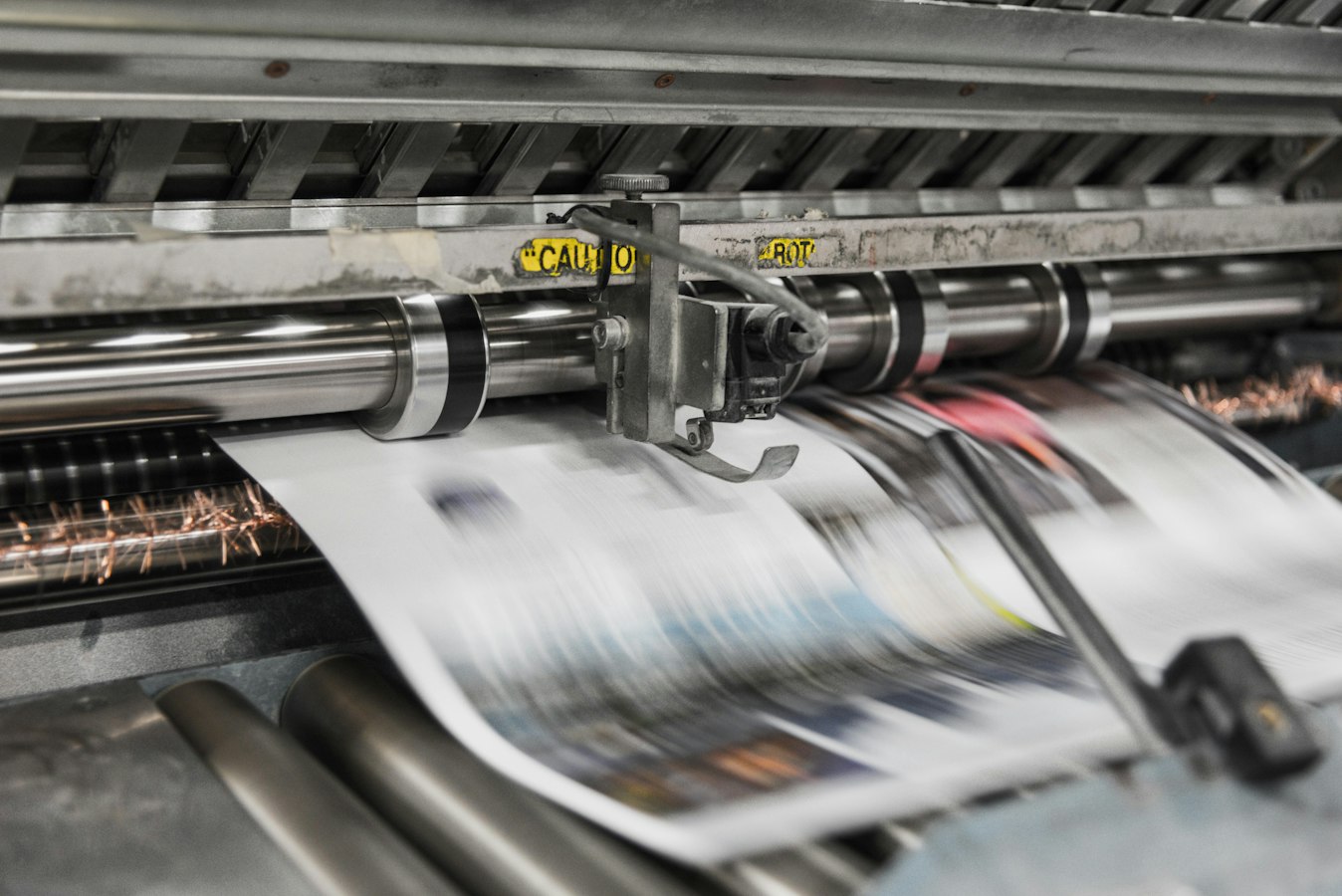
Here is the thing most shops learn the slow way: a reorder that turns into a re-edit was broken the day the file was built. The customer calls back for 500 more cards with a new phone number, and now someone opens the native file, hunts for the text box, retypes a line, re-exports, and re-preflights. That is not a reorder. That is a small rebuild dressed up as a quick change.
A clean print template reorder means the file goes straight to press. No phone call. No hunting. No last-second color surprise. And the only way to get there is to make the file reorder-ready at setup, before you ever archive it.
This guide walks through the file decisions that decide whether every future reprint is a two-minute job or a twenty-minute headache.
Why Most Reorders Turn Into Re-Edits (And Who Pays for That Time)
A reorder should be the easiest money your shop makes. The design is approved. The stock is known. The press settings are dialed in. On paper, you reprint and ship.
In practice, reorders stall because the file was never built to be touched again. The text is outlined, so you cannot edit a phone number. The fonts are not embedded, so the next person who opens it gets a substitution. The layers are merged, so changing one line means rebuilding a region. The color mode drifted, so a quick edit drops an RGB swatch into a CMYK file and nobody notices until the proof looks off.
Every one of those is a setup decision, not a reorder decision. And the cost lands on your most skilled people. The person who can safely edit a locked-down press file is usually the person you least want retyping addresses. That is billable prepress time spent on clerical work.
The short version: if the file fights you at reorder time, you built it wrong at setup time. The fix is not faster editing. It is a file that does not need editing.
The File Decisions You Make at Setup That Haunt Every Reprint
Think about the full life of a template. It gets printed once, then it sits in a folder. Six weeks or six months later, someone needs a version of it. What you decided at build time determines whether that person can serve the job or has to escalate it.
Here are the setup decisions that come back to bite:
Outlined versus live text. Outlining text kills editability. It is a reasonable move for a one-time job where you never want the text to shift. It is a disaster for anything you expect to reorder with changes. If a name, title, or phone number will ever change, that text must stay live and the font must stay embedded.
Color mode discipline. A template built clean in CMYK with a known profile stays predictable. A template that picked up a stray RGB image or a Pantone swatch nobody converted will surprise you on reorder. Settle the color mode at setup. Our piece on CMYK vs RGB for print covers what the drift actually costs.
Bleed and trim that match the cut. If the original was built with correct bleed and a proper trim box, every reprint sits on the press the same way. If bleed was faked or missing, every reorder is a gamble.
Spot color handling. A brand red that was a named spot color at setup should stay a named spot color through every reorder. If it got flattened to a CMYK build somewhere along the way, the next reprint may not match the first. Spot color preservation in web-to-print explains why the name matters more than the recipe.
These are not glamorous choices. They are the difference between a file that reorders forever and a file that needs a prepress tech every single time.
Layer Structure, Font Embedding, and Bleed: The Reorder Trinity
Three things do most of the heavy lifting in a reorder-ready file. Get these right and the rest follows.
Layer structure. A flat, merged file is hard to change safely. A file with sane layers lets you separate what moves from what stays. Put the fixed brand elements on their own locked layer. Put the variable content, the names and numbers and addresses, on an editable layer. When a reorder comes in, you touch one layer and leave the press-critical artwork untouched. Our PDF layers for print reference shows how to draw and enforce that line. Just know that heavy transparency across layers can behave unpredictably at the RIP, so check the transparency and flattening risks before you commit.
Font embedding. This is the quiet reorder killer. A file that opens fine on the machine it was built on can substitute fonts on any other machine. The reprint looks almost right, which is worse than looking wrong, because it ships. Embed every font at setup, full or subset, and verify it. Our PDF font embedding for print guide walks the checks. If you plan to let anyone edit live text later, remember the font has to support the characters they might type.
Bleed. Build the bleed once, correctly, and every reorder inherits it. Typically that means at least an eighth of an inch past the trim, with critical content kept inside a safe margin. The PDF bleed and trim setup reference has the exact numbers. A file with real bleed imposes cleanly, gangs cleanly, and reprints cleanly.
Layers, fonts, and bleed are the trinity. When all three are solid, a reorder is a clean pass through your normal flow. When any one is broken, a reorder becomes a repair job.
Locking What Never Changes and Freeing What Does
The real discipline of a reorder-ready template is deciding, up front, what is allowed to change and what is not.
Most collateral has a stable core and a small set of variable fields. On a business card, the logo, the brand colors, the layout, and the compliance text never change. The name, title, phone, and email change with every person. On a franchise flyer, the headline and offer stay locked while the location address and hours vary by store.
If you do not draw that line at setup, every reorder is a judgment call, and judgment calls are where mistakes live. Someone nudges the logo. Someone swaps a font on a whim. Someone edits text that should have been frozen. The brand drifts one small edit at a time.
Lock the fixed elements so they cannot be moved or restyled. Mark the variable elements clearly so the person handling the reorder knows exactly where they are allowed to type. This is the same principle behind brand template lockdown for franchise locations: freedom in the fields that should vary, hard walls around everything else.
The payoff is that a reorder stops being an exercise in trust. You do not have to hope the person editing knows which box is safe. The file tells them. And when a mistake is impossible, you can hand reorders to less specialized staff, or skip the handoff entirely and let the customer do it.
Turning a Finished File Into a Self-Serve Reorder Asset
Here is where the setup work pays off most. Once you have a properly built file, a locked core, live editable fields, embedded fonts, correct bleed, clean CMYK, you can let the customer handle the reorder themselves without putting the press file at risk.
That is what StackFill does. You take the finished print PDF you already built, the one that is already correct, and mark which elements customers may edit. You lock the rest. Then you publish a hosted fill link or embed it on your site. The customer personalizes against a live proof and downloads a byte-identical, press-ready CMYK PDF. Nobody rebuilds the design, because the design was never the problem. The file you already made does the work.
This matters because the usual web-to-print path asks you to recreate each design inside an editor first. That rebuild is slow, and it introduces a second place for color and layout to drift. Skipping it is the whole point. If you have ever stalled out on template setup, the piece on web-to-print setup being too slow will sound familiar, and web to print without rebuilding templates covers the alternative.
Because the output is CMYK-native and the proof the customer approves is the file the press runs, you are not gambling on a last-second RGB conversion. The reorder goes straight into your flow. For the variable side of this, where one template serves a whole staff or a whole mailing list, see variable data business cards and variable data printing from a finished PDF.
The shop still prints and ships. StackFill does not touch that. It just makes the finished file reorder itself.
The Reorder-Ready File Checklist Before You Archive Anything
Before any template goes into the archive, run it through this list. Do it once, at setup, and you buy yourself clean reorders for the life of the design.
1. Live text where it needs to change. Any field that might vary on reorder, names, numbers, addresses, offers, stays as live text, not outlined.
2. Fonts embedded and verified. Every font embedded, full or subset, and confirmed with a check, not a glance. No substitutions waiting to happen.
3. Color mode settled. CMYK throughout, with the intended profile embedded. No stray RGB images, no unconverted swatches you did not mean to keep. See PDF color profile embedding.
4. Spot colors named correctly. Any brand spot color is a named separation, not a silent CMYK build, so it reprints the same every time.
5. Bleed and trim correct. Real bleed past the trim, critical content inside the safe margin, trim box defined. Crop marks handled per your crop marks reference.
6. Layers structured for change. Fixed brand elements on a locked layer, variable content on an editable layer, drawn so the next person cannot cross the line.
7. Preflight passed. Run a full preflight and clear it before archiving, not after the reorder lands. The seven preflight errors that cause reprints are the ones to catch now.
8. Version labeled. Archive with a clear version so the reorder pulls the right file, not a stale draft. Our print template version control guide covers naming that holds up.
9. Editable fields marked. Decide and document which fields are open and which are locked, so the reorder, whether staff or self-serve, is a fill-in, not a rebuild.
Work this list at setup and the reorder takes care of itself. The file is correct, the editable fields are obvious, the locked elements are safe, and the output is press-ready by default. That is the whole idea behind building a template to run forever: the effort goes in once, and every reprint collects the interest.
A reorder should never be a surprise. If it is, look back at the file setup. That is where the trouble started, and that is where you fix it for good. When you are ready to turn your finished files into self-serve reorder assets, see how it works or get in touch.
What a Reorder System Actually Needs to Do
A reorder system is not just organized file storage. It has to do three things:
- Separate what changes from what does not. Design, bleed, overprint settings and spot colors are fixed. The customer's name, address or promo text is variable.
- Let the customer (or your staff) fill in only the variable parts. No full file edit and no risk of moving a locked element.
- Output a press-ready file automatically: a CMYK PDF ready to preflight and run, not a starting point for more manual work.
Without all three you still have a manual process; you have only moved the steps around.
How the Reorder Works Once the Template Is Live
The customer gets their fill link, enters the updated information, sees it rendered against the real proof, approves and downloads. You receive a press-ready PDF that is already in CMYK at the correct resolution and bleed, and it goes straight to the press queue.
No email, no file hunting, no manual editing, and no second proof round unless the customer changed something that warrants one. The boundary is what makes this safe: the customer can change the name or the date, but cannot move the logo, change the font or touch the bleed. For the customer-side view of the same flow, see self-serve print ordering for small business. If you gang or impose reorders, check incoming files against the gang run prepress checklist.