2026-11-16 · StackFill
PDF Color Profile Embedding: Prepress Reference
PDF color profile embedding mistakes cause reprints. Learn what ICC profiles do, how the RIP handles missing tags, and how to check files before press.
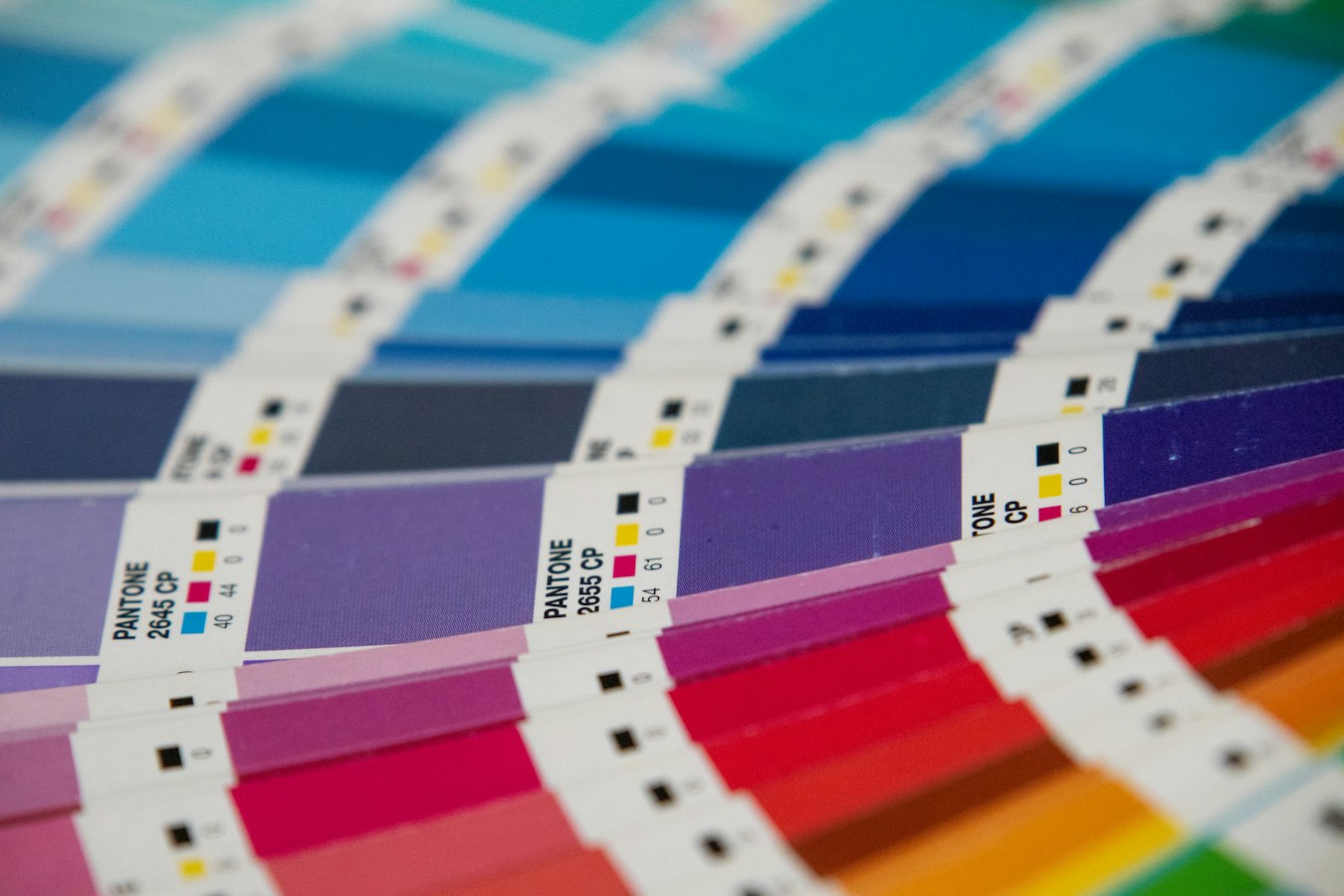
A file looks right on screen, clears a basic preflight, goes to press, and comes back wrong. The brand blue is now purple. Skin tones are muddy. Nine times out of ten, the culprit is a PDF color profile embedding problem: the profile is missing, mismatched, or ignored by the RIP.
This reference covers what ICC profiles do inside a PDF, what the RIP does when something goes wrong, and how to catch the problem before it costs you a reprint.
What an ICC Profile Actually Does Inside a PDF
An ICC profile is a data file that describes a color space. It tells any downstream device, a monitor, a proofer, a RIP, what a set of numeric color values means in the physical world.
When you embed an ICC profile in a PDF, you tag the color data with its source intent. A CMYK value of 0/0/100/0 means one specific yellow under a coated offset press profile (FOGRA39, GRACoL 2006) and a slightly different yellow under an uncoated sheet profile. Without the embedded tag, the RIP has to guess which gamut the numbers belong to.
A single PDF can legally carry multiple color spaces pointing to multiple profiles, at the document level, at the object level, or both. That is where mismatch problems start.
Profile embedding is a separate concern from color mode. CMYK vs RGB for Print: What It Costs Your Shop covers how mode choices affect what arrives at press before profiling enters the picture.
What Happens at the RIP When the Profile Is Missing
When an embedded profile is present, the RIP uses it as the source definition for a color-managed conversion. When it is missing, the RIP falls back on a default assumption, and different RIPs handle that differently. Some substitute a generic CMYK working space. Some pass the numbers through without conversion. Some flag the file for operator review.
The worst case: a silent pass-through on a file built in an RGB working space but exported without conversion. The RGB values get interpreted as CMYK. The print is wrong, and no preflight error catches it because the file is technically valid.
A missing output intent is a related problem. PDF/X standards require an embedded output intent declaring the intended press condition. Without it, you do not have a conforming PDF/X file. See PDF/X-1a compliant web-to-print for what that conformance actually requires.
The Three Most Common Embedding Mistakes
1. RGB images placed into a CMYK document without conversion. The placed image carries an sRGB or Adobe RGB profile. At export, the application may or may not convert it depending on export settings. If it does not, the RIP receives a mixed-mode file.
2. Stripping the profile on export. Some workflows strip embedded profiles to reduce file size. The result is an untagged CMYK file. The press values may be correct for one specific press condition, but the RIP cannot verify that.
3. Embedding the wrong output intent for the substrate. A profile built for coated stock on a job going to uncoated paper overshoots ink density. This connects directly to total area coverage, see Ink Coverage Limit Print: TAC Prepress Reference for how TAC limits differ by substrate.
How to Check Profile Embedding Before You Send to Press
Acrobat Pro's Output Preview panel (View > Tools > Print Production > Output Preview) is the fastest manual check. It shows the document color space, lists embedded profiles, and lets you soft-proof against a target. If the Source Space field reads "untagged," you have a problem.
Preflight profiles in Acrobat and tools such as PitStop let you flag missing profiles, mixed color spaces, or output intents that do not match your press condition. These checks should be standard in any shop that cares about print-ready file preflight.
Key checks to run:
- Output intent present and matches press condition
- All placed images converted to document CMYK or carrying a usable profile
- No untagged CMYK or RGB objects
- PDF/X conformance level matches what your RIP expects
For gang run shops, mixed-profile files in a single flat are a real risk. Gang Run Printing: Prepress File Checklist covers file acceptance rules that address this directly.
Where Personalized PDFs Add Another Layer of Risk
When a customer personalizes a PDF, that edit introduces new content into the file. If the personalization system is not color-aware, the new content may arrive in a different color space than the locked template elements. A customer submits an sRGB PNG; the system drops it into a CMYK template; the RIP has to reconcile them, and the result may not match what the customer approved on screen.
StackFill ingests finished print PDFs and preserves the CMYK structure of the original file through the personalization step. The output carries the same color data as the template the designer submitted, not a re-exported file that has been through another round of color conversion. Variable Data Printing From a Finished PDF goes deeper on how that works in practice.
Profile embedding sits underneath every color decision the designer made and every expectation the customer has about the finished piece. Getting it right before the file leaves your hands is the only way to make sure the press delivers what the proof promised.